SDG 4 · Quality Education
Smart attendance for a safer education.
A parent watches their child leave for school. A teacher marks that child absent. Both believe everything is normal, and nobody knows the child is unaccounted for. Tick Mark closes that gap in under a minute.
Free · Version 3.1.0 · about 5.4 MB · no account needed to look around
- Works offline
- Screen-reader ready
- No student GPS tracking
- WCAG 2.1 AA
How it works
Two answers, compared automatically.
Tick Mark does not track children. It asks two adults one question each and compares the answers.
The parent confirms
Each morning the parent answers one question with two large buttons: did your child leave for school?
The teacher marks
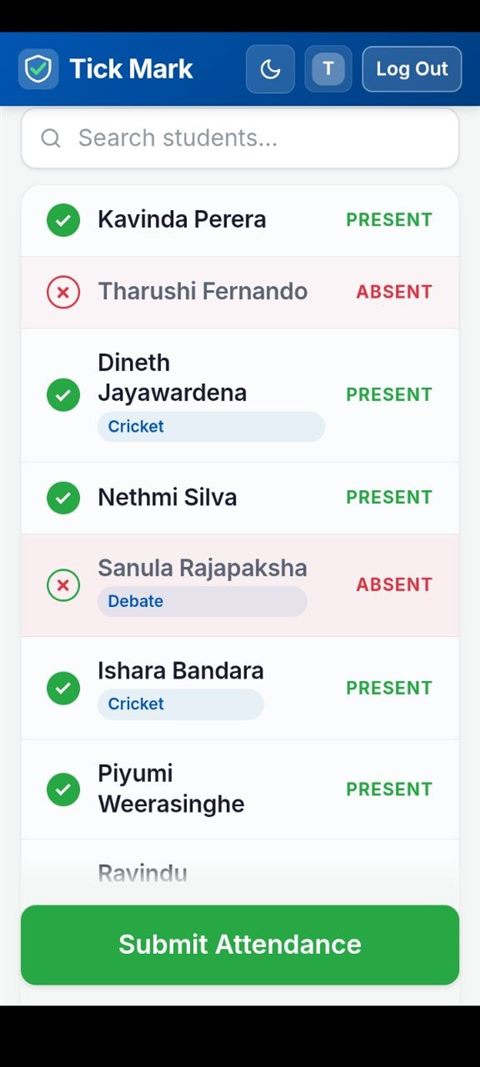
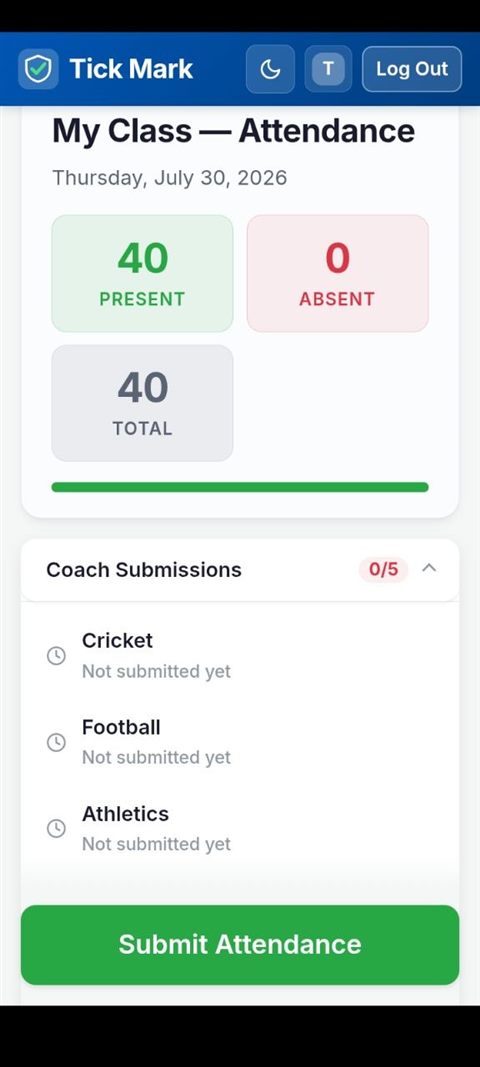
The register opens with everyone present, so the teacher only taps the exceptions. Forty students take under a minute.
The system compares
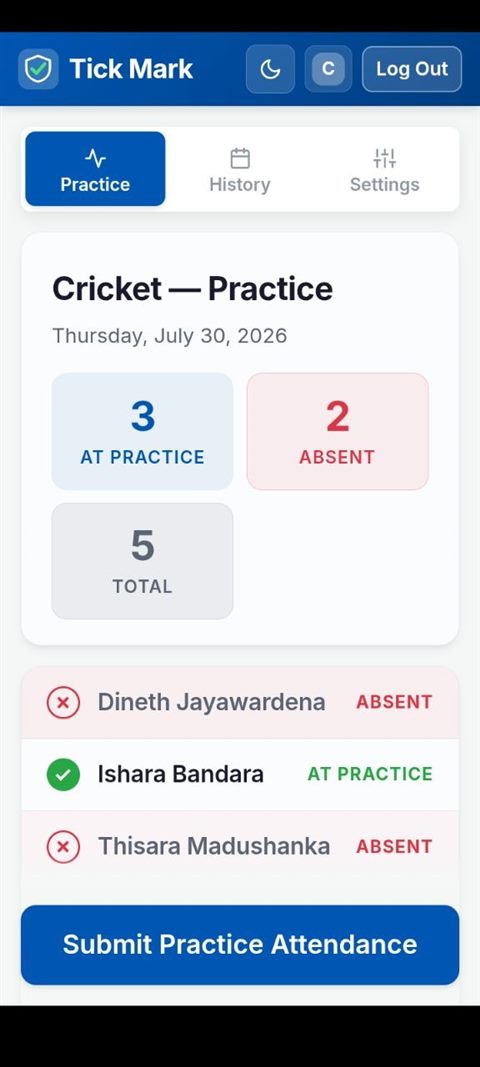
Coaches mark sports practice separately, so a student at training is never reported missing.
Everything agrees. No alert, and the register is done.
The child is unaccounted for. A red alert reaches the class teacher and the principal within seconds, with one-tap calling to the parent, the teacher and the sports coach. A discrepancy that used to surface at 2 p.m. surfaces at 8:05 a.m.
Bilingual English and Sinhala questionnaire, distributed through a community network with a reach above 300,000.
Watch
See Tick Mark in one minute.
A short walkthrough of a real school morning: the parent check-in, the register, and the alert.
The player is only loaded from YouTube when you press play. You can also open the video on YouTube.
The app
Built for a fast morning, not a demo.
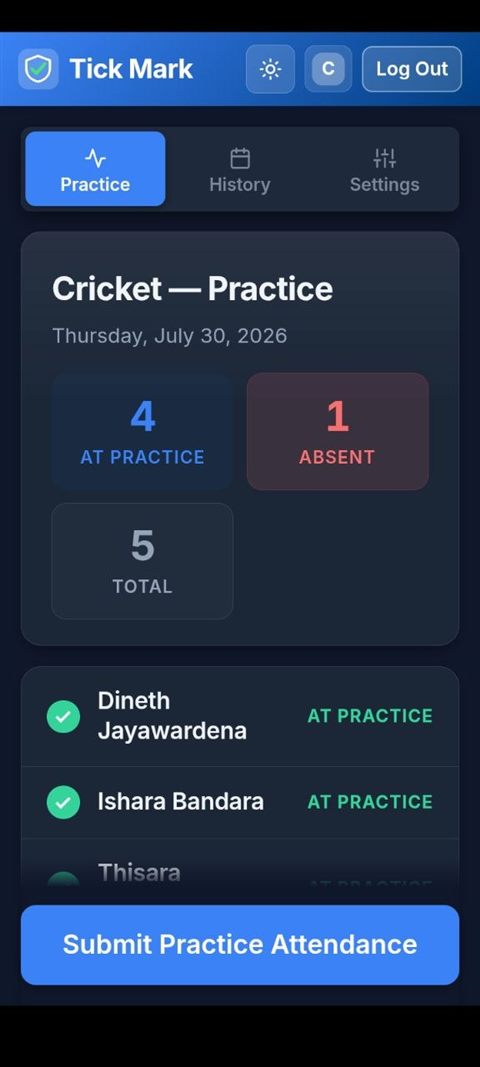
Five roles
Everyone sees only what they need.
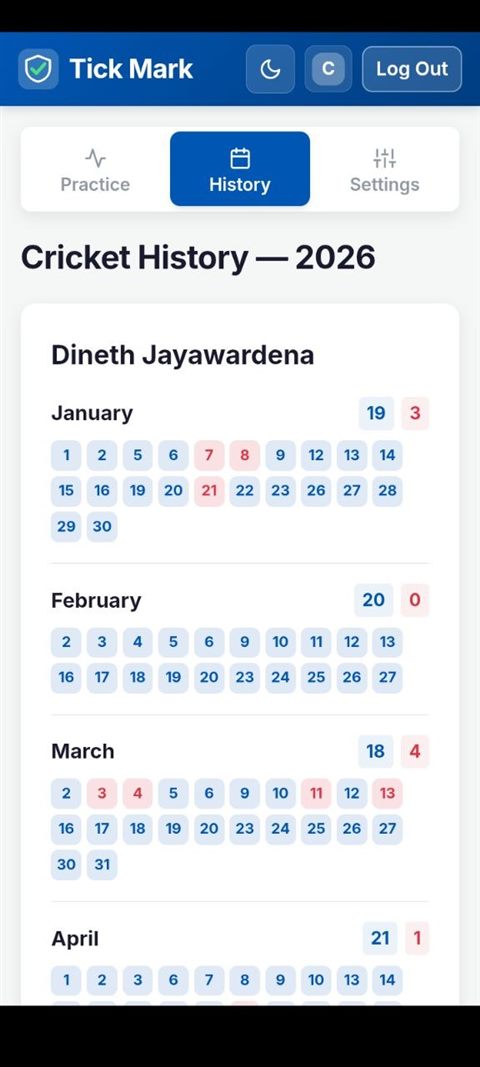
Each role gets one job and one screen built around it, so nobody waits on anybody else.
| Role | What they do |
|---|---|
| Parent | Confirms each morning whether their child left for school. |
| Teacher | Marks the register and receives mismatch alerts by name. |
| Coach | Marks sports practice, which suppresses a false absence. |
| Principal | Sees In School and Unaccounted For as separate figures. |
| Administrator | Manages classes, rosters, sports and staff accounts. |
Accessibility
Designed by a developer who cannot see the screen.
Tick Mark's lead developer is blind and builds with the NVDA screen reader on desktop and TalkBack on Android. Accessibility is not a checklist item added at the end here; it is how the application was written in the first place.
The settings button in the header is part of that: theme, text size and motion are adjustable on this page too, not just in the app.
- No status by colour alone. Present is a filled disc with a tick, absent is a hollow ring with a cross, practice is a locked blue disc. The register still reads correctly in greyscale.
- Every change is announced. Live regions speak counts, submissions and alerts as they happen.
- Real focus management. Native controls, visible focus, and no keyboard traps.
- WCAG 2.1 AA contrast. All text at 4.5:1 or better, in light and dark themes.
- Reduced motion respected. Animation is decoration, never information.
Try it on your phone.
Install the Android app, or open the web version in any browser. Both are free, and no school setup is needed to explore the demo.
Android may ask you to allow installing from this source. That is normal for an app distributed outside the Play Store. Our WhatsApp channel carries release notes and updates — following it is one tap, and you never have to share your number.
The team
Team NANDIANS WEB-X
Tick Mark was designed, built and researched by five students of G/Sri Devananda College for the VisioNEX 2026 competition.
With thanks to Mrs. K.A.U. Ishanka, our ICT teacher-in-charge, and to our principal for supporting the project, and to the 4,424 people who answered our survey.
| Member | Role |
|---|---|
| B.H. Manuka Daham Induwara | Team Leader & UI/UX Director |
| G. Sanula Githmal github.com/MorningStarhub6 |
Lead Developer & Accessibility Lead |
| M.W. Sithum Sithara Denuwan | Designer & Research Analyst |
| K.D. Dineth Lakdiw | Marketing & Outreach |
| T. Dissas Dinsara | Problem Research & Pitch |